LA Metro:
community engagement interactive
Project description
Client
Los Angeles County Metropolitan Transportation Authority
1
Type
2
Interactive touch table
Timeline
3
2024
Role
4
UX Designer
Contribution
User interface
Experience & functionality optimization
QA testing
Data organization
5
Credits
900lbs team (Motion graphics, 3D art, creative direction, development)
6
Overview
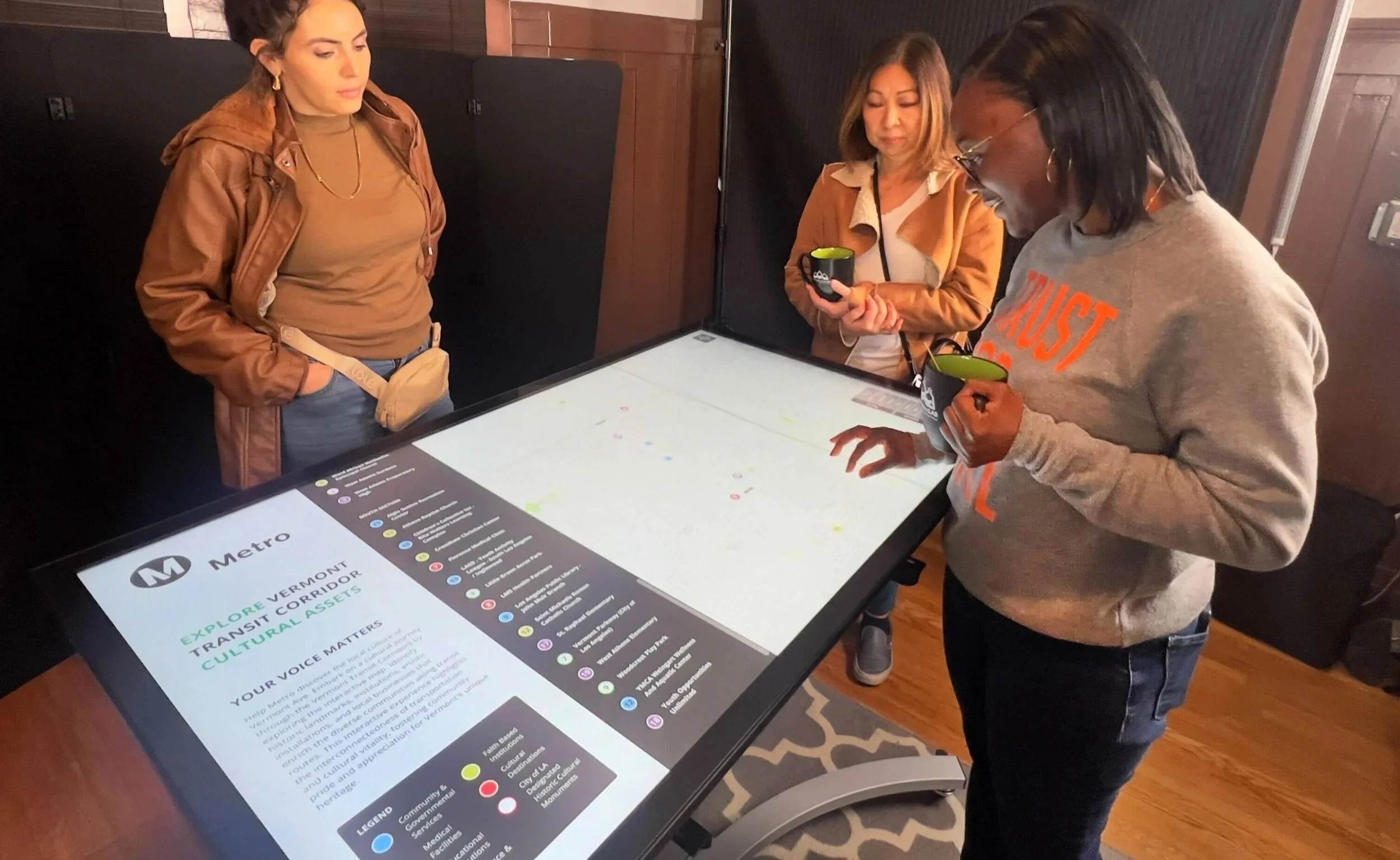
The project involved designing an interactive community engagement tool to support public planning discussions for LA Metro’s Vermont Transit Corridor (VTC). The experience was used during community meetings to help residents, stakeholders, and decision makers explore cultural assets along the corridor and provide feedback on future transit development.
The challenge
Community planning meetings often rely on static presentations and printed materials, which can make it difficult for attendees to fully understand the geographic and cultural context of proposed projects.
The solution needed to:
Make complex planning information easier to explore and understand
Encourage active participation and discussion
Provide a visually engaging way to navigate the corridor
Be scalable for multiple meetings and future engagement phases
The solution
We developed an interactive mapping experience that allowed users to explore the Vermont Transit Corridor and discover important community and cultural assets.
Key design goals included:
Encourage exploration through an intuitive map interface
Surface local cultural assets and stories
Support multilingual accessibility
Enable both in-person and remote engagement
Core Features
1. Interactive Corridor Map
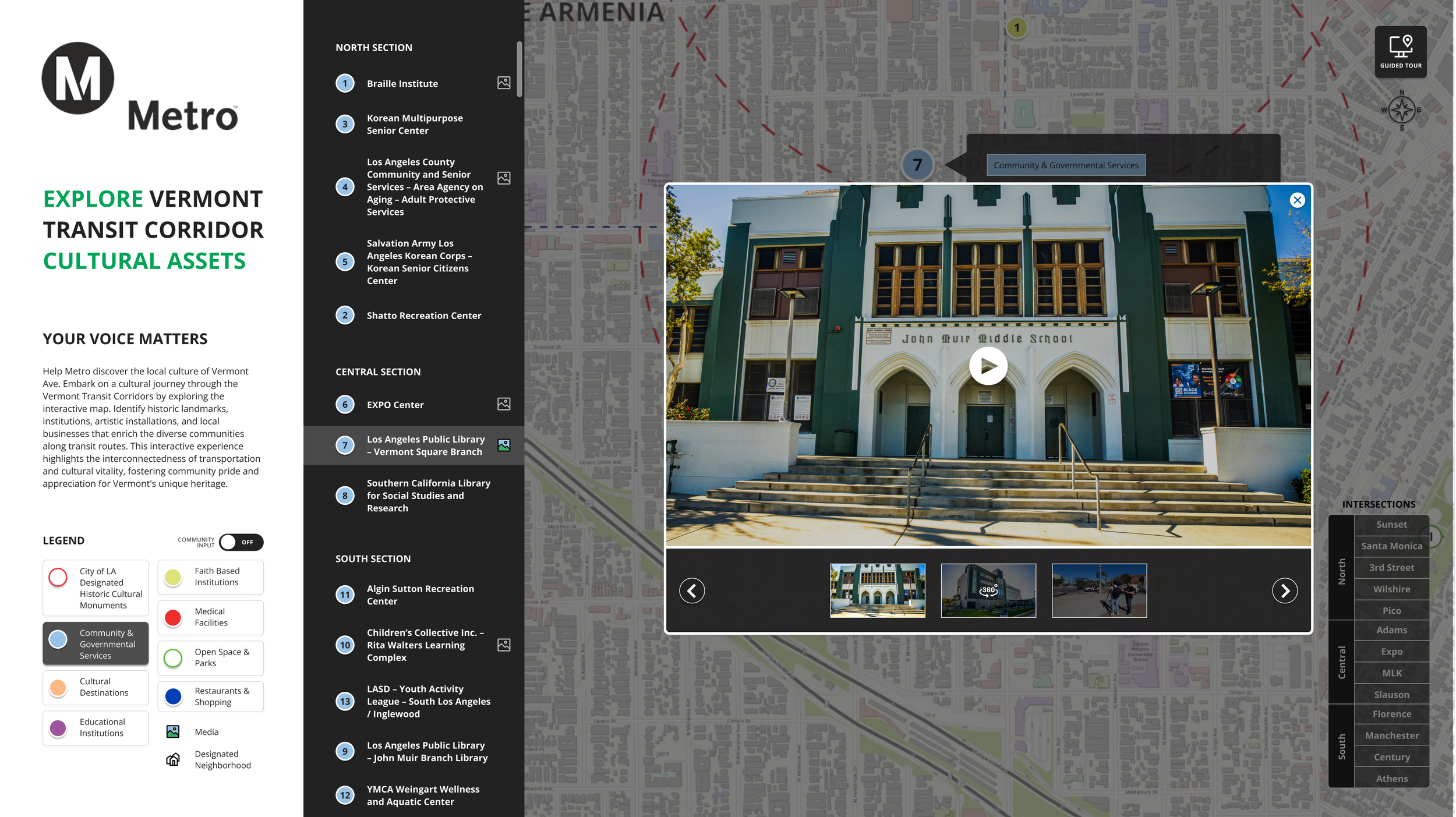
A dynamic map of the Vermont Transit Corridor allowed users to pinch, zoom, and pan while exploring cultural asset markers across the area.
2. Cultural Asset Details
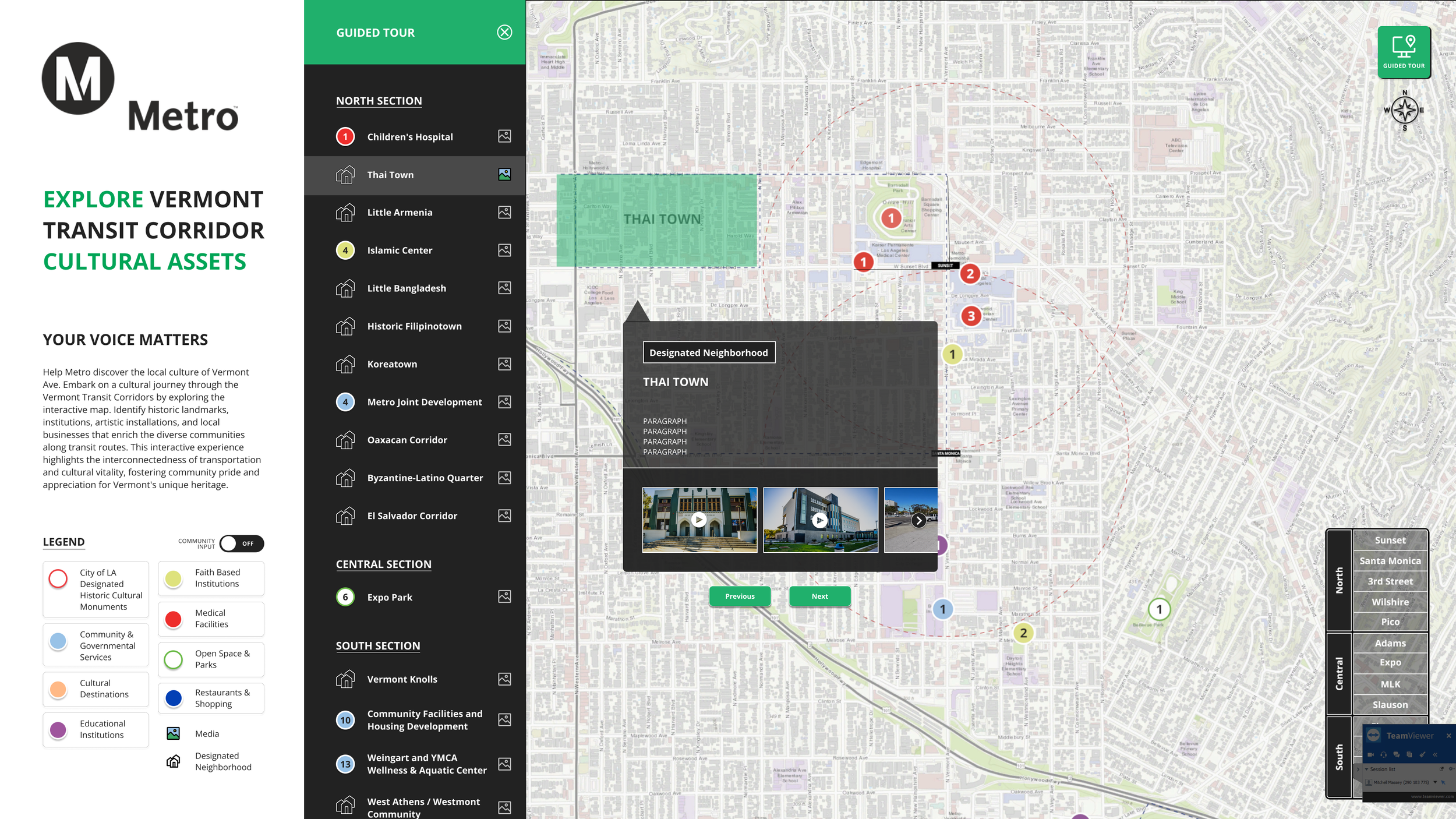
Selecting markers revealed additional media and information, including photos, videos, 360° content, and descriptions highlighting each location’s cultural significance.
3. Filtering & Navigation
Users could filter assets by corridor zone or category, making it easier to focus on specific areas or types of locations during discussions.
4. Multi-Platform Experience
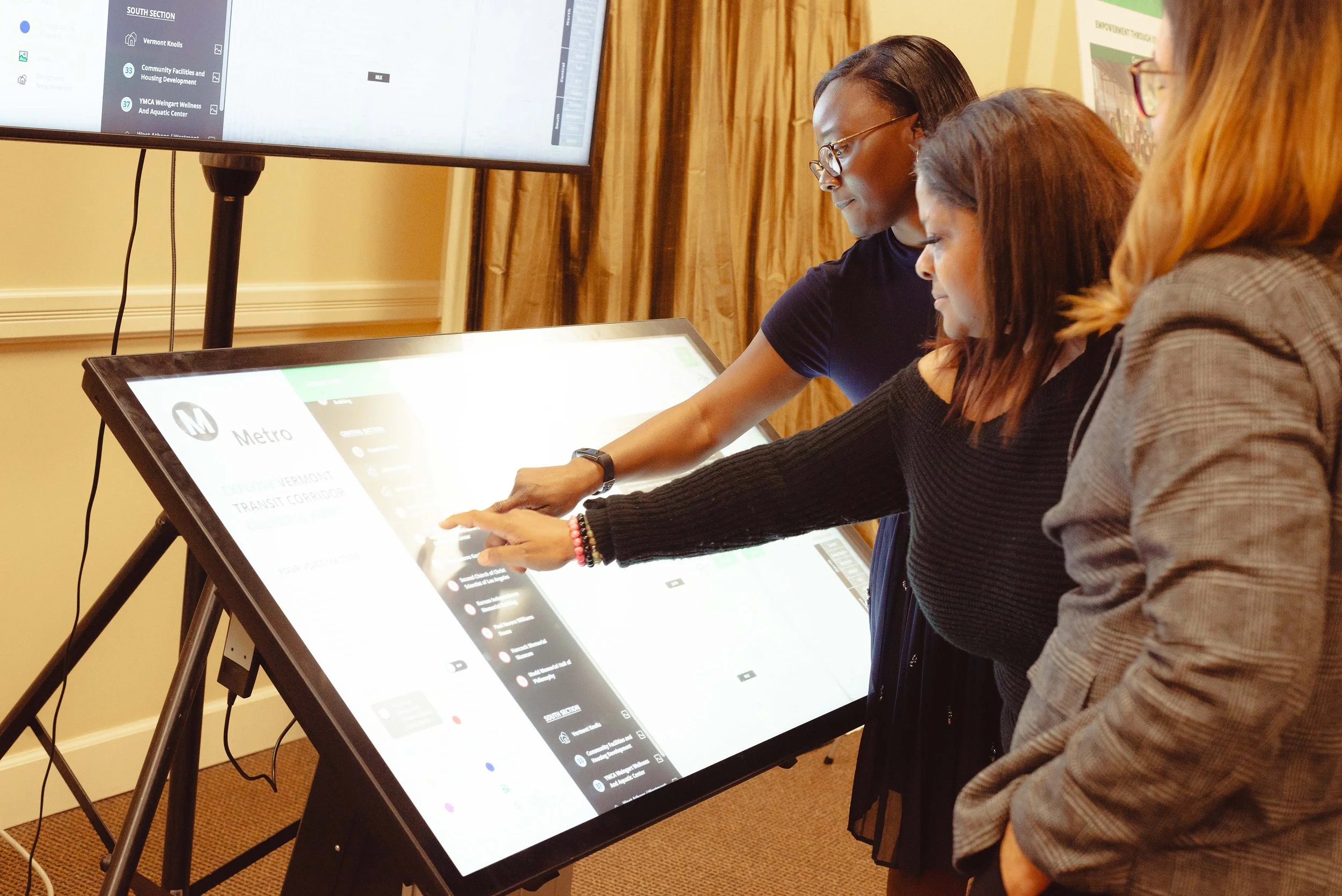
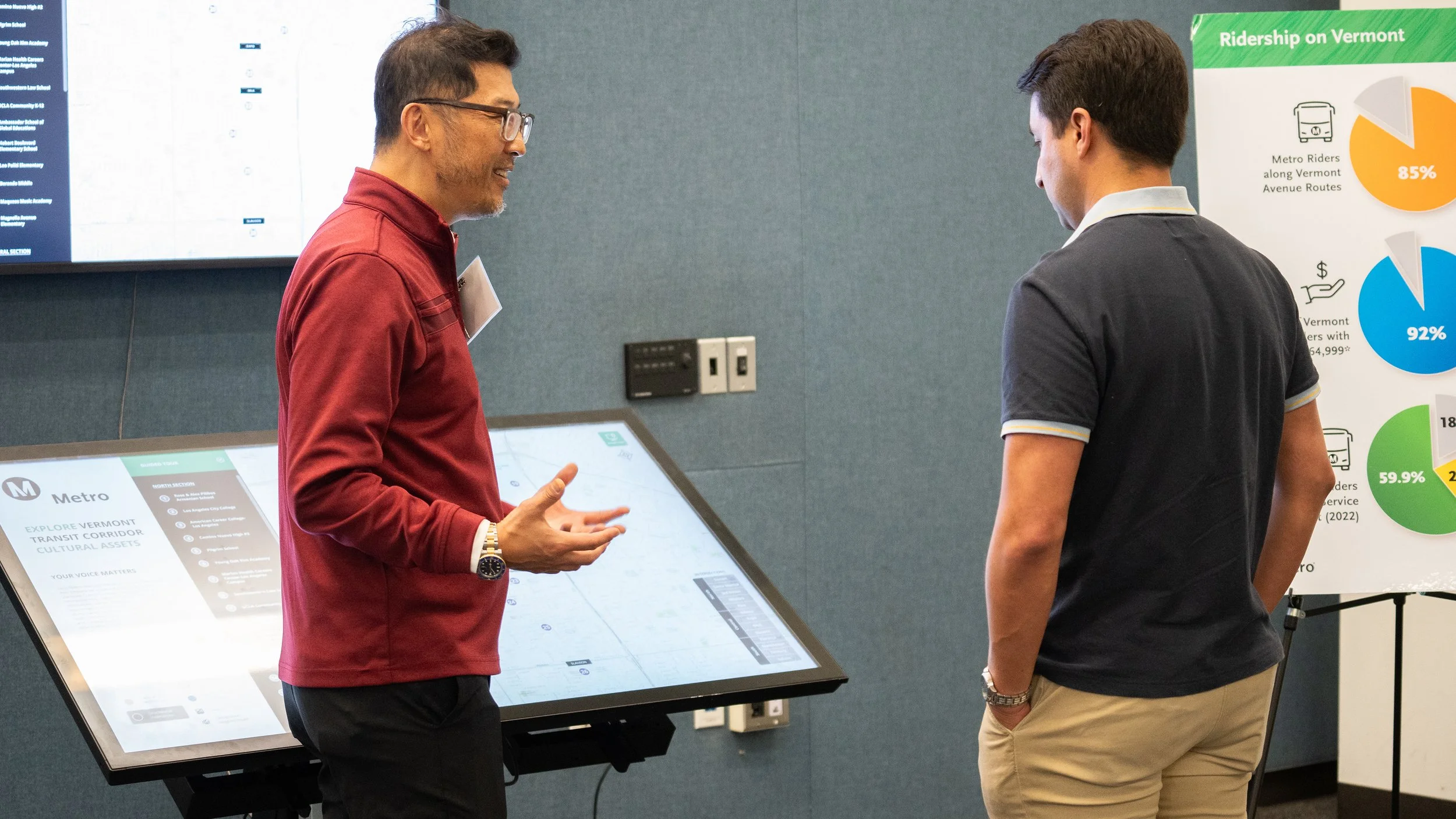
The tool was designed for a 55” ADA-accessible touchscreen table at community meetings and a web version accessible via desktop or mobile, with future plans for multilingual support and VR-enabled 360° media viewing.
Design Considerations
Intuitive map gestures to reduce the learning curve for public audiences
Large touch targets for a touchscreen table environment
Clear visual hierarchy to support group viewing during presentations
Scalable architecture so features could be added across future engagement sessions
Results & Impact
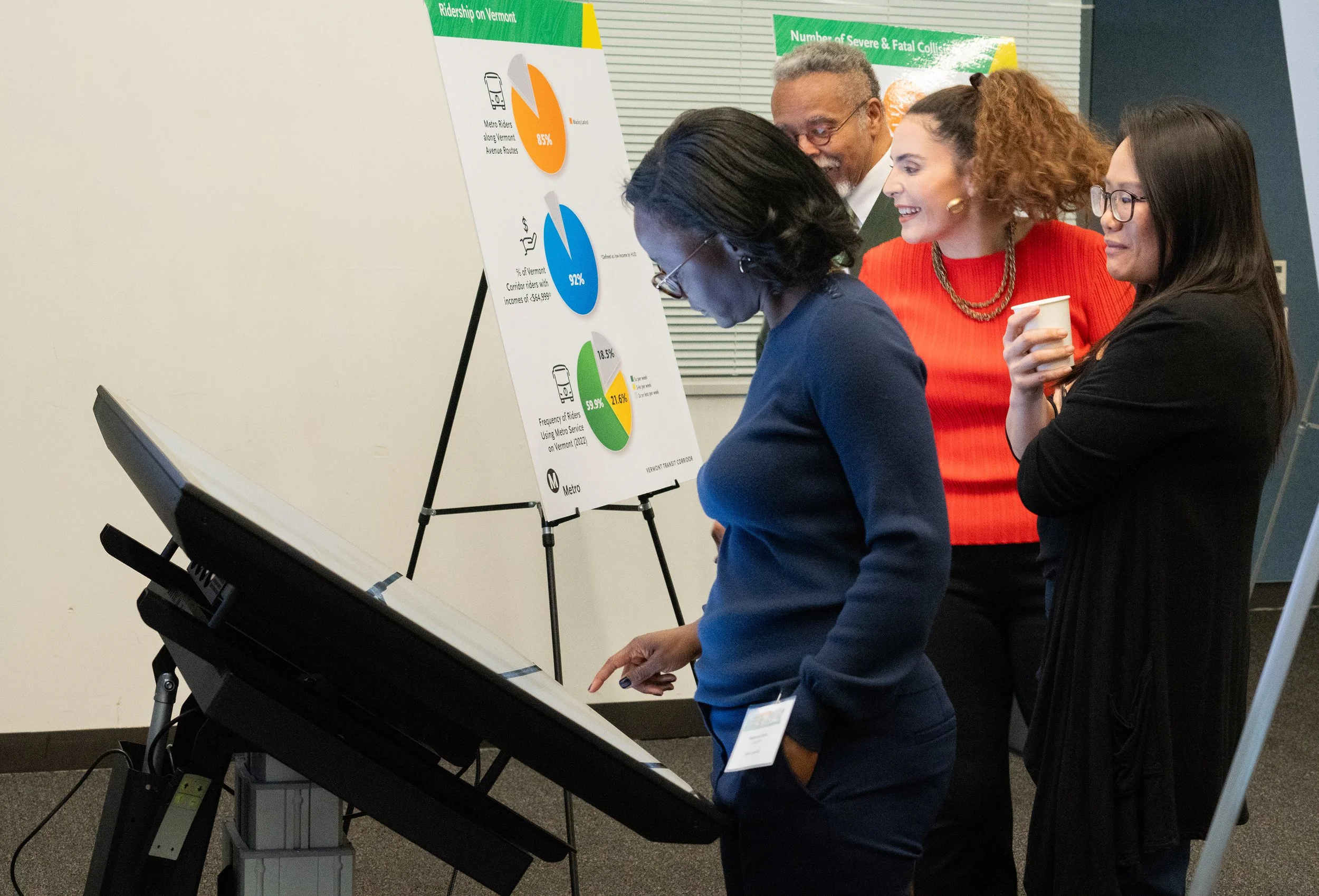
Transformed static planning materials into an interactive map experience, improving engagement during community meetings
Helped participants better understand how transit planning intersects with local cultural assets and neighborhoods
Supported multiple public engagement sessions through a scalable, modular platform
Expanded accessibility with an ADA-accessible touchscreen table
Why it worked
The interactive map transformed complex planning information into an accessible and engaging experience. By allowing community members to explore cultural assets directly within the corridor, the tool helped ground transit discussions in local context and encouraged more meaningful participation during meetings.